Adding Clinical Terms
To add a clinical entry to Vision Anywhere:
- Select a patient, see Searching for a Patient for details if required.
- Open an Encounter, see nOpening an Encounter for details if required.
- Select Add
 to activate the dynamic data entry bar.
 - Enter the clinical term and data is returned as you type. Combinations such as 'low back' returns low back pain:
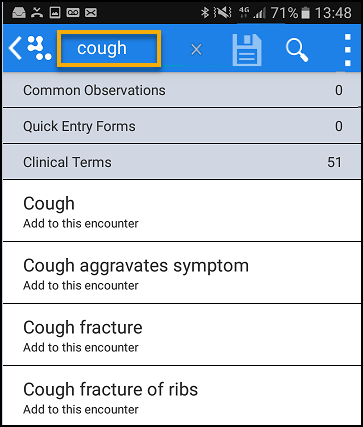 Note - A minimum of 3 characters are needed in each word.
 - Select the term you want to record, update the priority if required, add notes, and select Save:

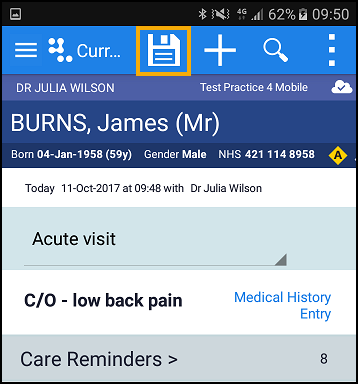
- When the consultation is finished press Save
 to close the encounter.
See Add Medication and Common Observations for details.

